
The Content Visibility window allows administrators to control which content is visible to learners in the Catalogue. Hidden content is not displayed in the Catalogue, but remains accessible to users who have been manually enrolled by an administrator.
Hiding Content
1. Navigate to the 'Admin' menu and then 'Tenancy Management'. Select 'Content Visibility' from the secondary dropdown menu.
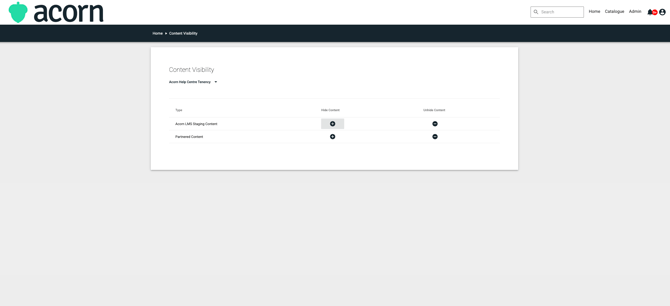
2. Click the '+' icon and select the content you want to hide.
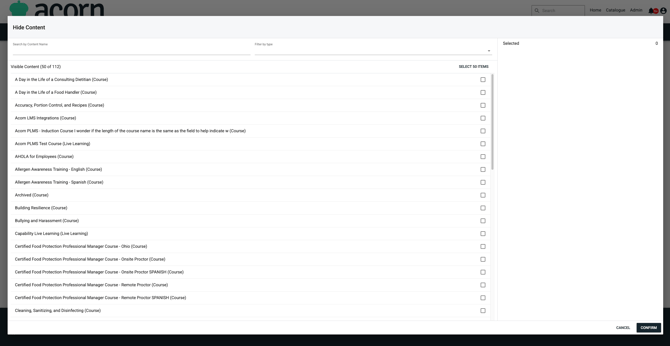
The content is now hidden and will not appear in the Catalogue for general users. Users who have been manually enrolled by an administrator will still be able to access it.
Unhiding Content
1. Navigate to the 'Admin' menu and then 'Tenancy Management'. Select 'Content Visibility' from the secondary dropdown menu. Click the '-' icon next to the content you want to unhide.
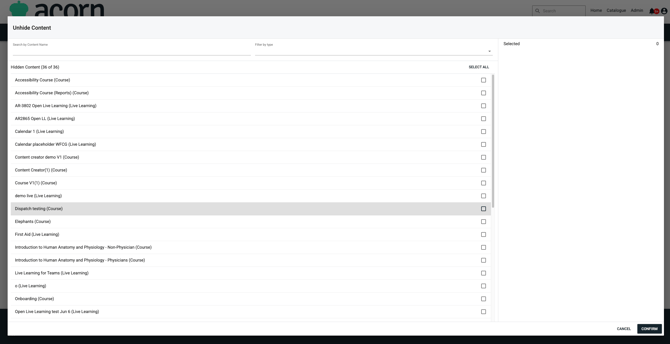
You have now unhidden the content and it will be visible within the Catalogue.